
Webhooks
A webhook sends a signed message to your own system the moment something happens here: a deal is won, an invoice is paid, a form comes in. You add the address, choose the events, and check each message really came from us.
How to
- Open Settings → Integrations and click Open Developers.
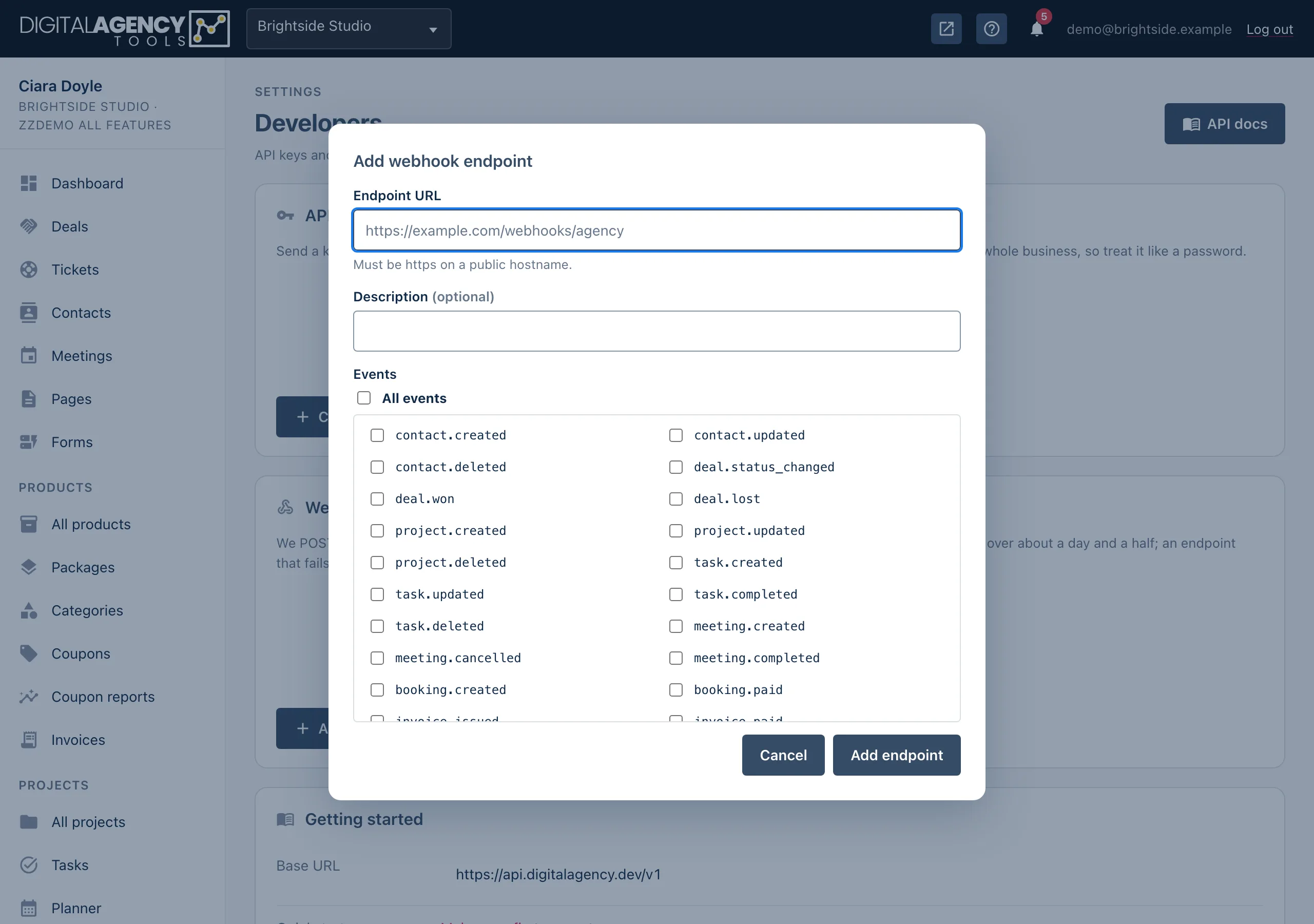
- In the Webhooks card, click Add endpoint.
- Enter the Endpoint URL. It must start with
https://and use a public hostname, not an IP address. - Tick All events, or just the events you want.
- Click Add endpoint. The signing secret appears at the top of the page. Copy it now; it is not shown again.
- Click the Send test event icon on the endpoint's row, then check your system received it.
Events
Each event is named thing.what-happened. Hover over an event in the dialog to see what triggers it. Events fire the same way whether the change was made in the panel, through the API, or by a client on a public page.
The message body holds the event's id, type,
created time and a data object with the record, in the same
shape the API returns it.
Some of the events
contact.created     deal.won
project.created     task.completed
meeting.created     booking.paid
invoice.issued      invoice.paid
proposal.accepted   proposal.declined
ticket.created      form.submitted
subscriber.created  deliverable.approved
Verify the signature
Every message carries a DA-Signature header. It holds a timestamp
(t) and an HMAC-SHA256 (v1) of the timestamp, a full stop
and the raw body, made with your signing secret.
Work it out yourself and compare. If they match, the message came from us and was not changed. Reject anything older than five minutes, so an old message cannot be replayed.
Use the raw body exactly as it arrived. Decoding and re-encoding the JSON first changes it, and the check fails.
The DA-Event header names the event and DA-Delivery is the
delivery's number.
PHP
$secret = getenv('DA_WEBHOOK_SECRET'); // whsec_…
$body   = file_get_contents('php://input');
$header = $_SERVER['HTTP_DA_SIGNATURE'] ?? '';

parse_str(str_replace(',', '&', $header), $sig);
$ts   = (int)($sig['t'] ?? 0);
$want = hash_hmac('sha256', $ts . '.' . $body, $secret);

if (abs(time() - $ts) > 300
    || !hash_equals($want, (string)($sig['v1'] ?? ''))) {
    http_response_code(400);
    exit;
}

$event = json_decode($body, true);
http_response_code(200); // reply fast, work later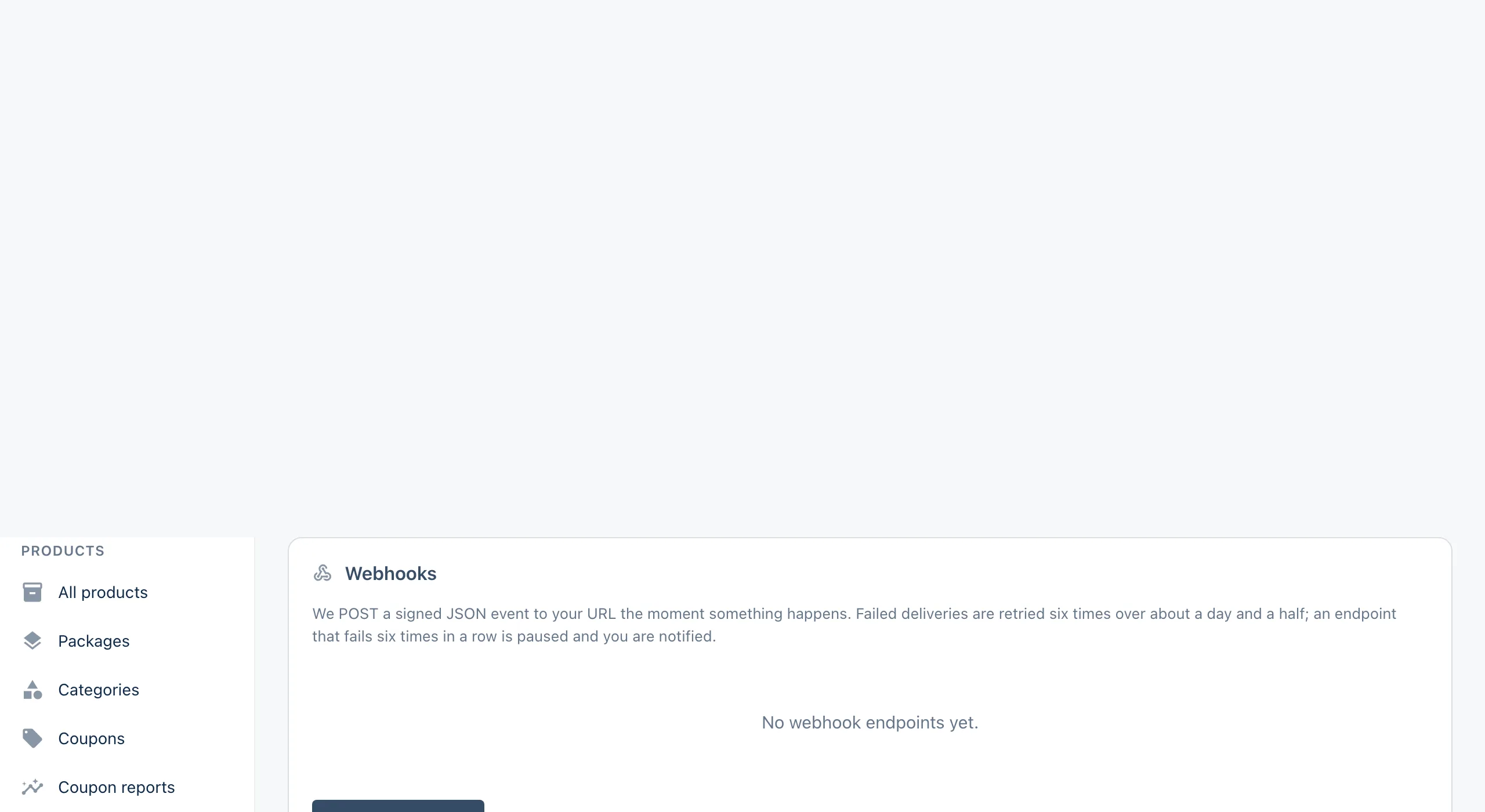
Deliveries and retries
Messages are sent by a background job, usually within a minute or two. Your system
should answer with any 2xx status within ten seconds. Anything else counts
as a failure.
A failed message is tried again after 1 minute, 5 minutes, 30 minutes, 2 hours, 12 hours and 24 hours. After that it is marked Failed.
Click the Recent deliveries icon on a row to see the last 25: the event, its status (Delivered, Pending or Failed), the number of attempts, the HTTP response and any error. Click Redeliver to send one again.
Retry schedule
try 1   at once
try 2   + 1 min
try 3   + 5 min
try 4   + 30 min
try 5   + 2 h
try 6   + 12 h
try 7   + 24 h  → Failed
Paused endpoints
If an endpoint fails six deliveries in a row, it is switched off. Its status shows Paused with the reason, and you get a "needs attention" notification. Fix your receiver, then click Switch on. Messages that were already waiting are held and sent once it is back on. Events that happen while it is paused are not sent to it, so use the API to catch up on anything you missed.
You can also pause an endpoint yourself, edit its URL and events, or Rotate signing secret. Rotating takes effect straight away, so update your receiver at the same moment. Deleting an endpoint removes its delivery history too.
Related
Still stuck?
Can't find what you're looking for? Send us a message and we'll reply by email.