
Custom pages
Add your own pages to the booking site: an about page, an FAQ, what to bring to a class. Choose which ones show in the menu and in what order.
How to
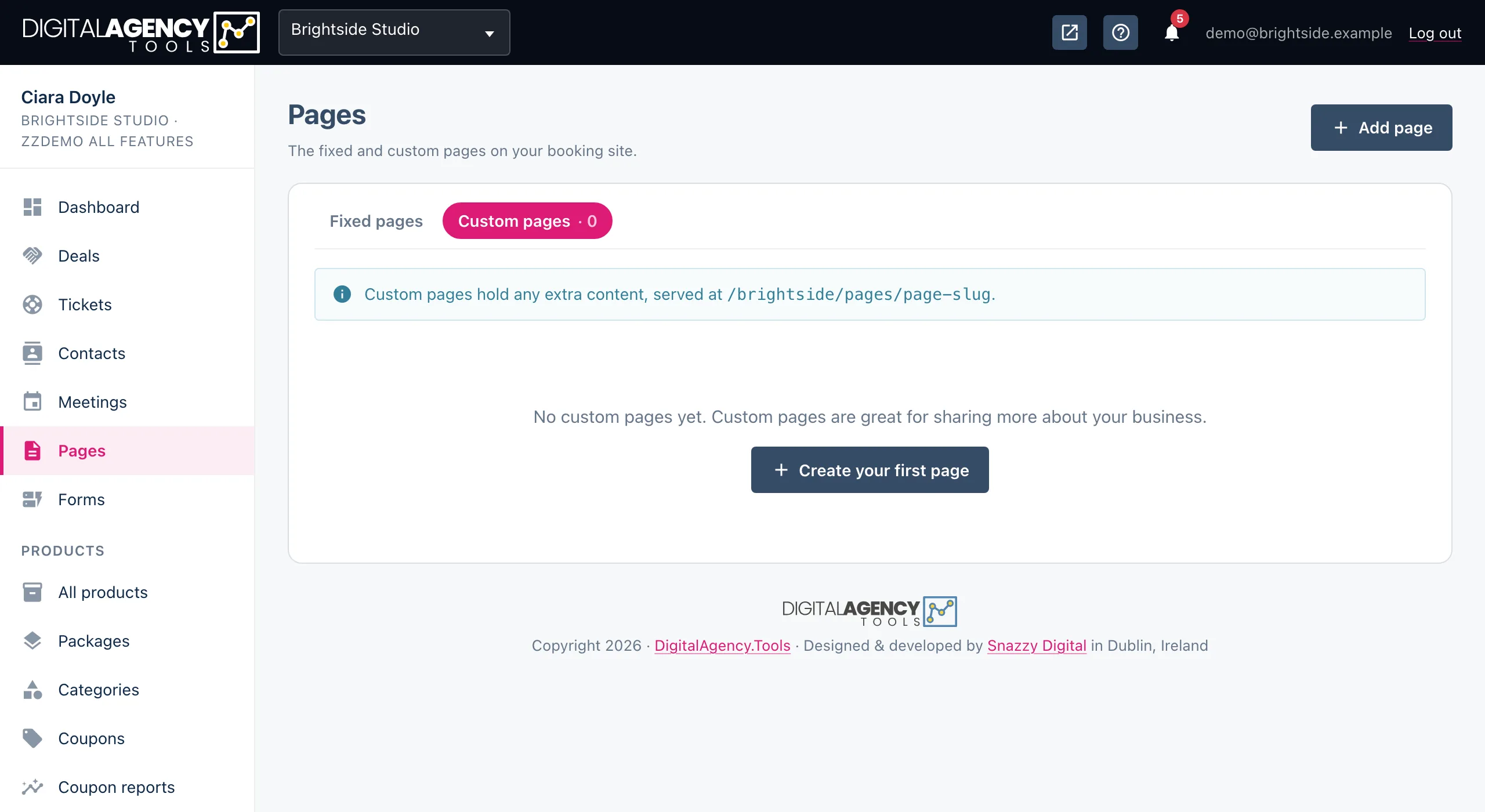
- Open Pages and click Add page.
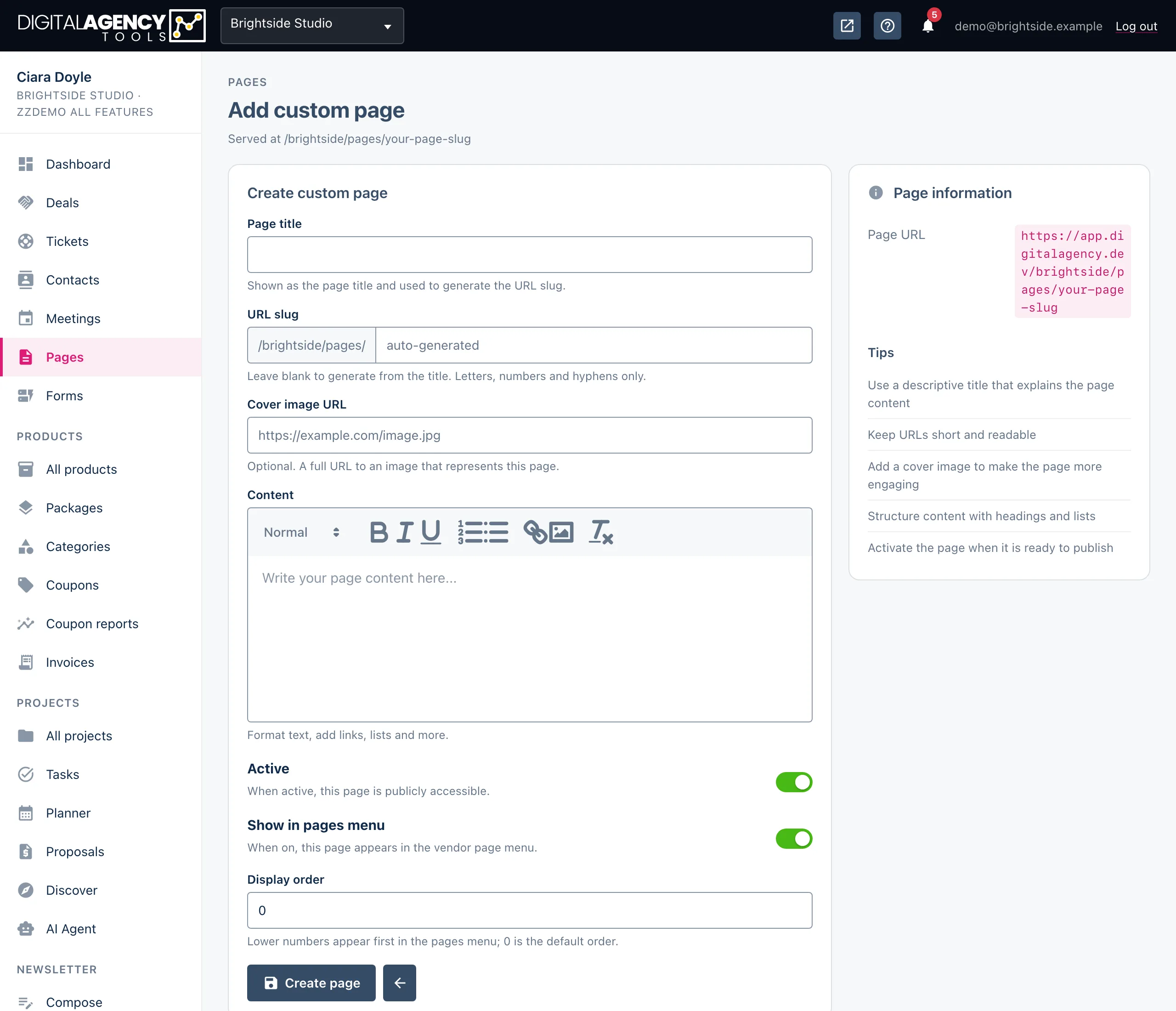
- Enter a Page title. Leave URL slug blank to make one from the title, or type your own.
- Optionally paste a Cover image URL.
- Write the Content.
- Set Active, Show in pages menu and Display order, then click Create page.
The fields
| Field | What it does |
|---|---|
| Page title | Required. The heading on the page and the name in the menu. |
| URL slug | The last part of the address. Letters, numbers and hyphens only. Blank makes one from the title. |
| Cover image URL | Optional. A full address to an image, shown at the top of the page and on its card on your booking page. |
| Content | Required. Headings, formatting, lists and links. |
| Active | On: the page can be opened. Off: its address stops working. |
| Show in pages menu | On: the page is listed on your booking site. Off: it still works, but only for people who have the link. |
| Display order | Lower numbers come first. 0 is the default. |
Active or visible?
They answer different questions. Active decides whether the page exists for the public at all. Show in pages menu decides whether you advertise it.
A hidden but active page is useful for something you link to directly, such as joining instructions you send after a booking.
The combinations
Active  Visible   result
on      on        listed and opens
on      off       opens by link only
off     either    not available
Where they appear
Visible, active pages are listed in a Pages section on your booking page. You control that section, and whether it shows as a grid of cards or a list, in Settings → Booking page: the Custom pages section switch and Pages layout.
Address
/your-slug/pages/page-slugEditing and deleting
Click a page's title, or its pencil icon, to edit it, then click Update page. The view icon opens an active page in a new tab. The bin icon deletes the page after you confirm.
Still stuck?
Can't find what you're looking for? Send us a message and we'll reply by email.