
Coupon reports
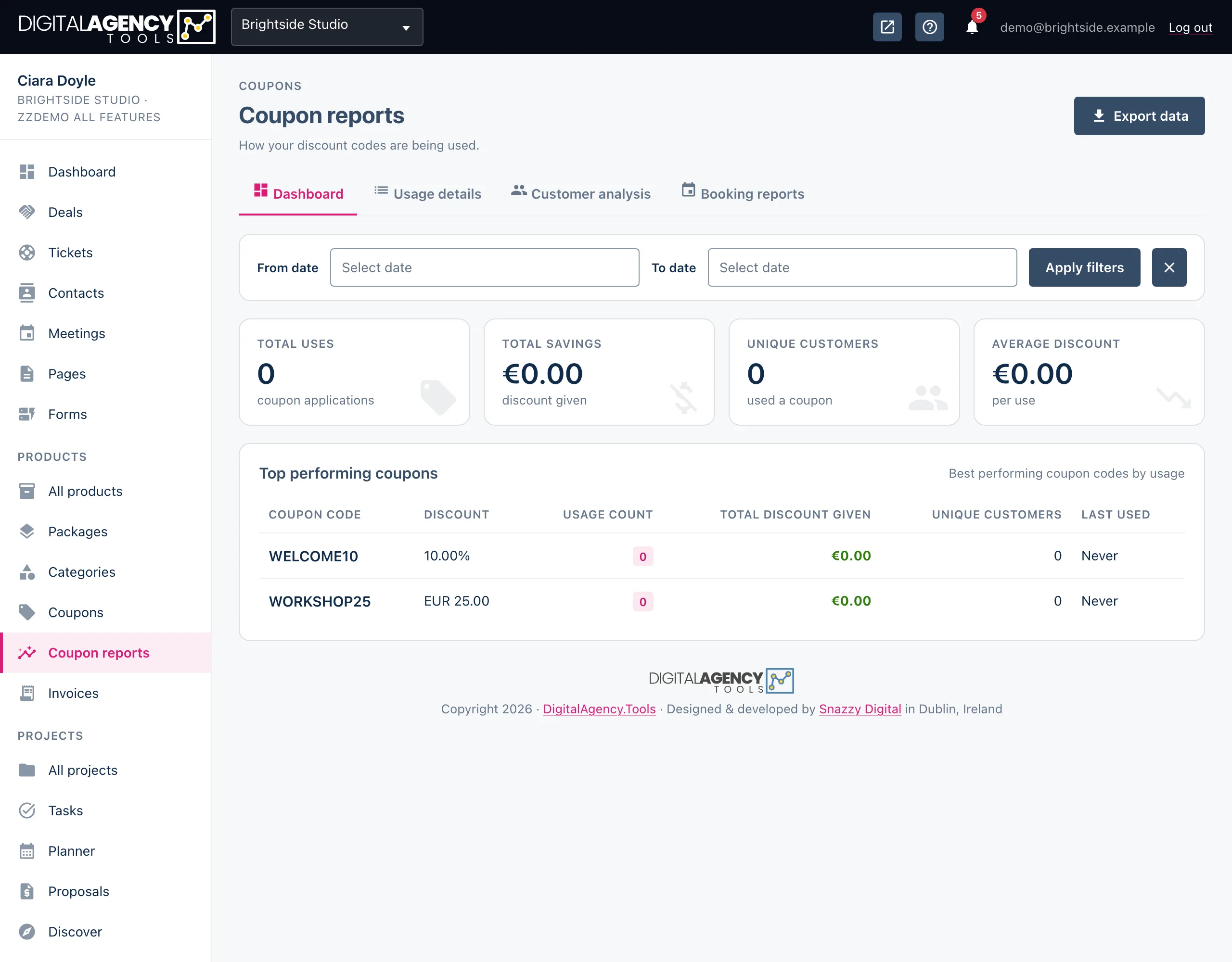
Coupon reports show which codes customers are using, who is using them, and how much the discounts add up to. Four tabs, each with filters and a CSV export.
How to
- Open Products → Coupon reports.
- Pick a From date and To date and click Apply filters to look at a period. The clear icon resets them.
- Switch tabs for Usage details, Customer analysis or Booking reports.
- Click Export data or Export CSV to download a CSV. On the Dashboard, Export data downloads the full usage details.
The four tabs
| Tab | What it shows |
|---|---|
| Dashboard | Tiles for Total uses, Total savings, Unique customers and Average discount. Below them, your top performing coupons by usage, and the ten most recent uses. |
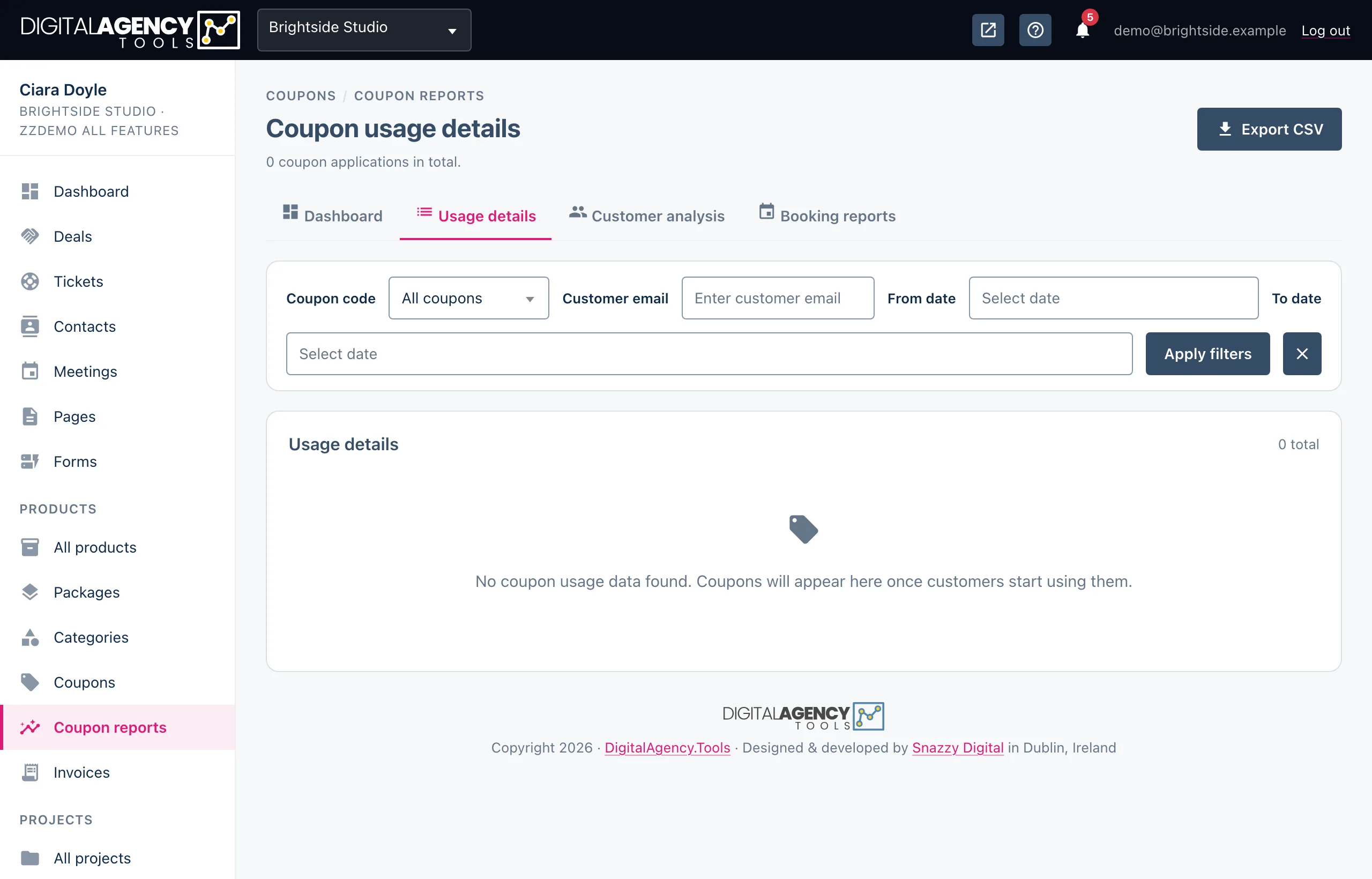
| Usage details | Every time a code was applied: when, which code, the customer, the product, and the original amount, discount and final amount. Filter by coupon code, customer email and dates. |
| Customer analysis | One row per customer: how often they used codes, their total and average savings, first and last use, and which codes. Also highlights your Top saver and Most frequent customer. |
| Booking reports | Every booking that used a code, with its date, customer, product, coupon, pricing and status. Tiles total the bookings, revenue and discounts, and a breakdown shows how those bookings ended up by status. |
One use, as recorded
original amount   €80.00
discount          −€16.00
final amount      €64.00
Reading the numbers
Total savings is the money your customers did not pay because of a code: the cost of your discounts. Set it against the bookings in Booking reports to judge whether a code is bringing in work you would not otherwise have had.
A high usage count from a small number of customers suggests a code is being reused. If that is not what you intended, edit the coupon and switch on Once per customer.
Looking at one code
On Customer analysis and Booking reports, choose a code under Filter by coupon and click Apply filter. The export then covers that code only.
Still stuck?
Can't find what you're looking for? Send us a message and we'll reply by email.