
Deposit invoices
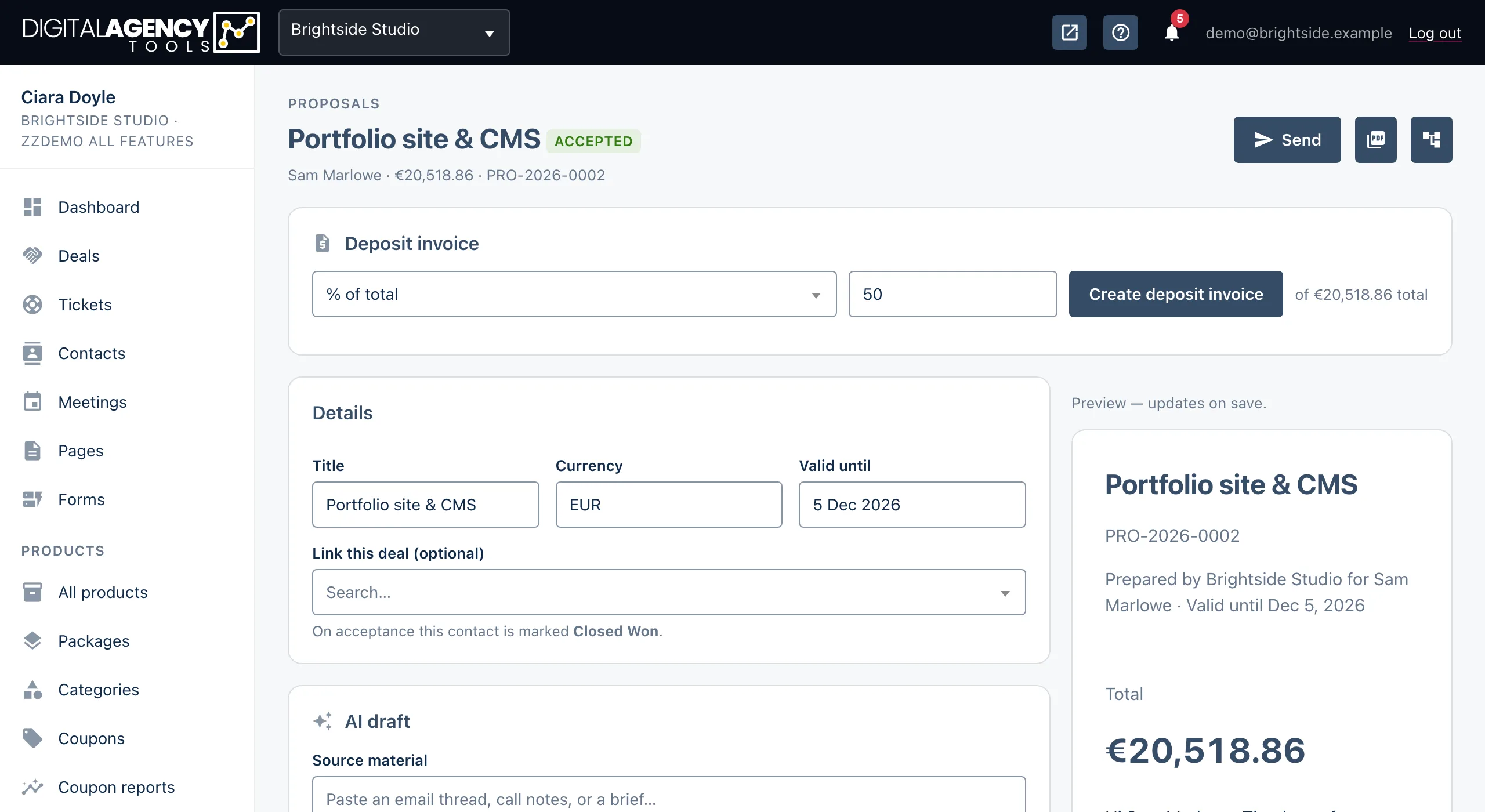
Once a client accepts, raise a deposit invoice from the proposal in one click. It is issued and emailed to them with a link to pay.
How to
- Open an accepted proposal from Projects → Proposals.
- In the Deposit invoice card, choose % of total or Fixed amount.
- Enter the value. It starts at 50.
- Click Create deposit invoice.
- The page confirms the invoice number and that it was emailed. Copy the pay link if you want to send it yourself as well.
What gets created
A normal invoice in Products → Invoices, addressed to the proposal's client, in the proposal's currency. It has one line, Deposit — <proposal title>, and a note naming the proposal and its number.
It is issued straight away. It gets an invoice number and the client is emailed the invoice and its pay link.
Example, 50% of €4,428.00
Deposit — Website rebuild
gross    €2,214.00
VAT 23%  included at the
         proposal's rate
How the amount is worked out
A percentage is taken from the proposal's total, including tax. A fixed amount is the gross amount the client pays. It is capped at the proposal total.
The tax inside the deposit uses the same rate as the proposal, so your VAT records stay consistent.
Options
% of total     0–100, of the total
Fixed amount   gross, capped at total
One deposit per proposal
Once a deposit invoice exists, the card shows a link to it instead of the form. Trying again tells you This proposal already has a deposit invoice.
To change the amount, void that invoice and raise a new one by hand from Invoices. See Void, write off and reopen.
Still stuck?
Can't find what you're looking for? Send us a message and we'll reply by email.