
Payments are not showing as paid
The money is in Stripe, but the booking or invoice still says unpaid. That almost always means Stripe's message about the payment did not reach the platform.
How payments are confirmed
When a customer pays by card, Stripe takes the money, then sends the platform a short message, a webhook, saying so. That message is what marks the booking or invoice as paid.
If the webhook is missing, switched off, or pointing at the wrong address, Stripe still takes the payment, but nothing here changes.
The chain
customer pays
  → Stripe takes the money
  → Stripe calls the webhook
  → booking / invoice marked paid
Likely causes
- No webhook was created, or it was deleted in Stripe.
- Stripe switched the webhook off after it failed too often.
- The webhook points at an old or different web address.
- Your keys were changed in Stripe and the saved secret key no longer works.
- The payment was a bank transfer, which is never confirmed by Stripe.
Checks, in order
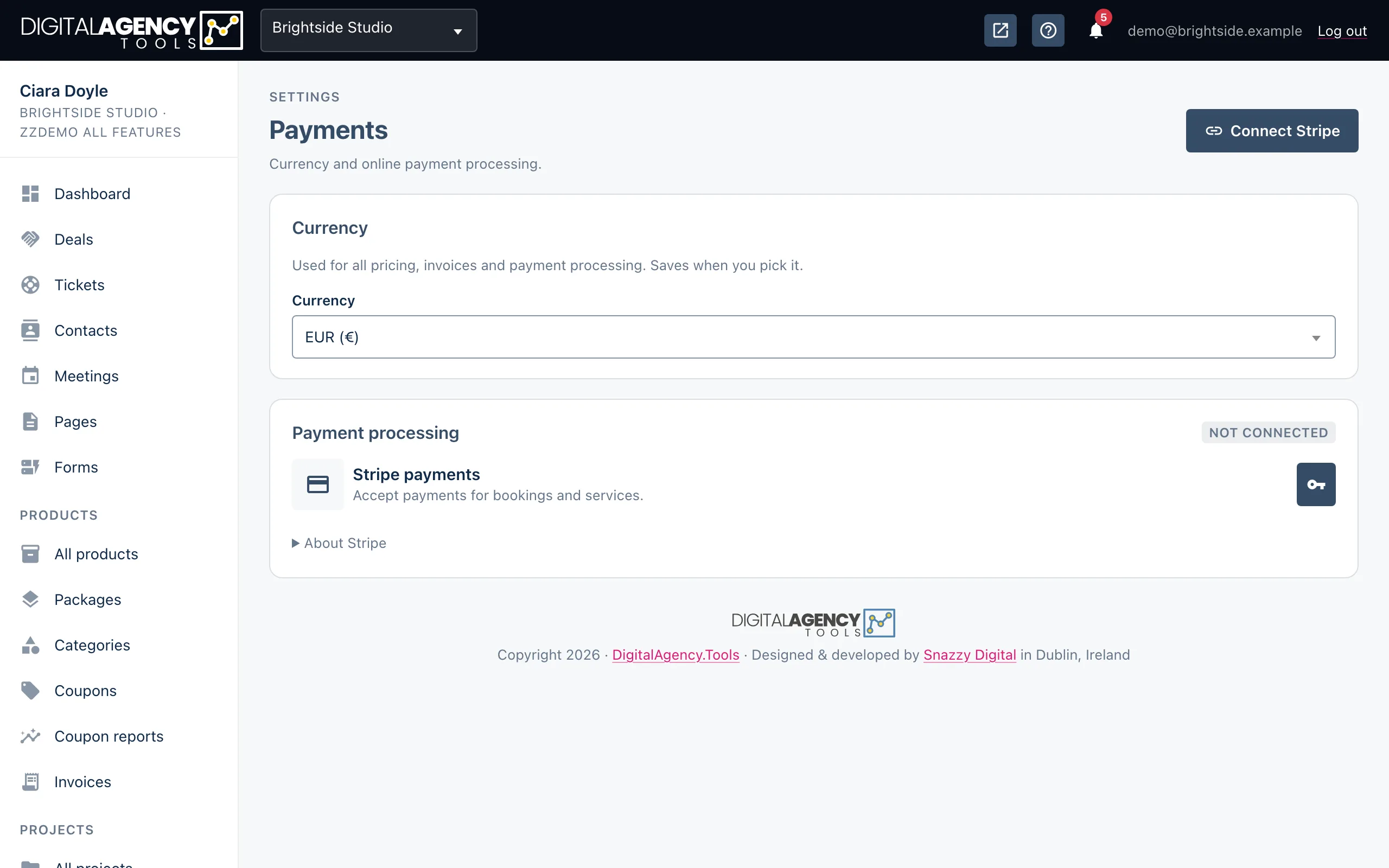
- Open Settings → Payments and look at Webhook status. If it says No webhook configured, go to step 5.
- Check the Status. It should be Active. Pending, Error or Disabled all need fixing. If there is an error message, read it.
- Check the Endpoint address. It should be the address you use for
the panel, ending in
/api/stripe. - Click Verify connection. You should see Webhook connection verified and the status turn Active. If it fails, the message says why.
- Still wrong? Click Recreate webhook and confirm. This replaces the webhook in your Stripe account with a fresh one.
- In your Stripe Dashboard, open Developers → Webhooks, find the endpoint and resend any failed events from its delivery log.
Recreate from the right address
A recreated webhook points at the address you are using the panel on at that moment. Sign in on your normal panel address before you click Recreate webhook, not a preview or staging link.
If Verify connection says Stripe is not configured, your keys are missing. Click Edit API keys (or Manual API key setup) and paste them again. Saving keys also recreates the webhook.
Status meanings
Active     working, verified
Pending    created, not yet verified
Error      last check failed
Disabled   switched off
Test or live?
Payments taken with test keys appear only in Stripe's test mode. If you are looking at live mode in Stripe and cannot see the payment, switch the Dashboard to test mode. Do not mix a test publishable key with a live secret key.
Still stuck?
Can't find what you're looking for? Send us a message and we'll reply by email.