
Tickets from email and WhatsApp
Clients do not have to log in anywhere. A message to your support address or your linked WhatsApp phone becomes a ticket on its own.
By email
Inbound email is handled for the platform as a whole, so your support address is set up with us rather than in your settings. Messages to it become tickets in your business. Ask support for your address if you do not have it.
A new email opens a new ticket with status New and priority Medium. If the sender's email address matches one of your contacts, the ticket is linked to that client.
What happens to an email
subject has TK-…?   → added to that ticket
                      (reopened if resolved
                       or closed)
otherwise           → a new ticket
Replies thread by ticket number
Every ticket has a number like TK-20261105-001. When an
email subject contains that number, the message is added to the existing
ticket instead of opening a new one. If that ticket was resolved or closed,
it goes back to Open so you see it again.
By WhatsApp
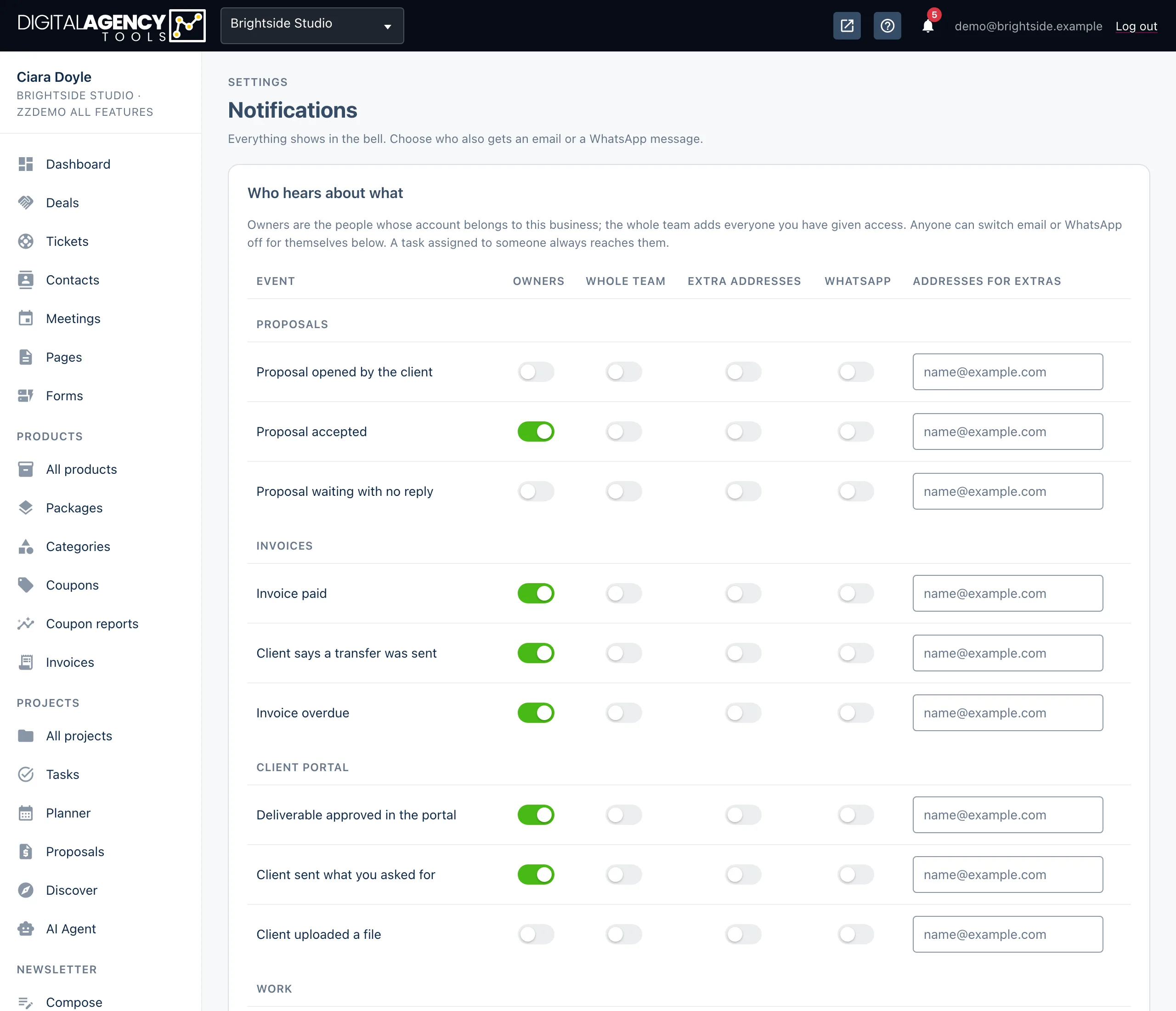
Once you link your business's own phone in
Settings → Notifications, messages sent to that phone
become tickets. The subject starts with WhatsApp: and the
first line of the message, and the ticket is tagged
whatsapp.
If the sender's number matches a contact, the ticket is linked to them. The sender gets one WhatsApp reply when the ticket opens, with their reference number.
What happens to a message
sender has a new, open or
pending WhatsApp ticket   → added to it
otherwise                 → a new ticket
                            + "we've got your
                              message" reply
Set up WhatsApp tickets
- Go to Settings → Notifications and find the WhatsApp card.
- Under Your WhatsApp phone, click Link a phone. On the phone, open WhatsApp → Linked devices → Link a device and scan the code. Prefer typing? Choose Use a pairing code instead.
- Under Incoming messages, click Register inbound. The badge changes to Hook registered.
- Send a WhatsApp message to that phone from another number and check Tickets.
Media and replies
Photos, voice notes, video and documents are saved on the message. A file can take a moment to fetch; until then it shows as fetching from WhatsApp…. A message with no text is labelled by what it carried, such as [photo] or [voice note].
When you reply on a WhatsApp ticket, your reply goes back to the sender on WhatsApp. Internal notes do not. See Replying and templates.
Still stuck?
Can't find what you're looking for? Send us a message and we'll reply by email.