
Cancel
Cancel in Stripe's billing portal. You keep your paid features until the end of the period you have paid for, then the business moves to the Free plan. Your data stays.
How to
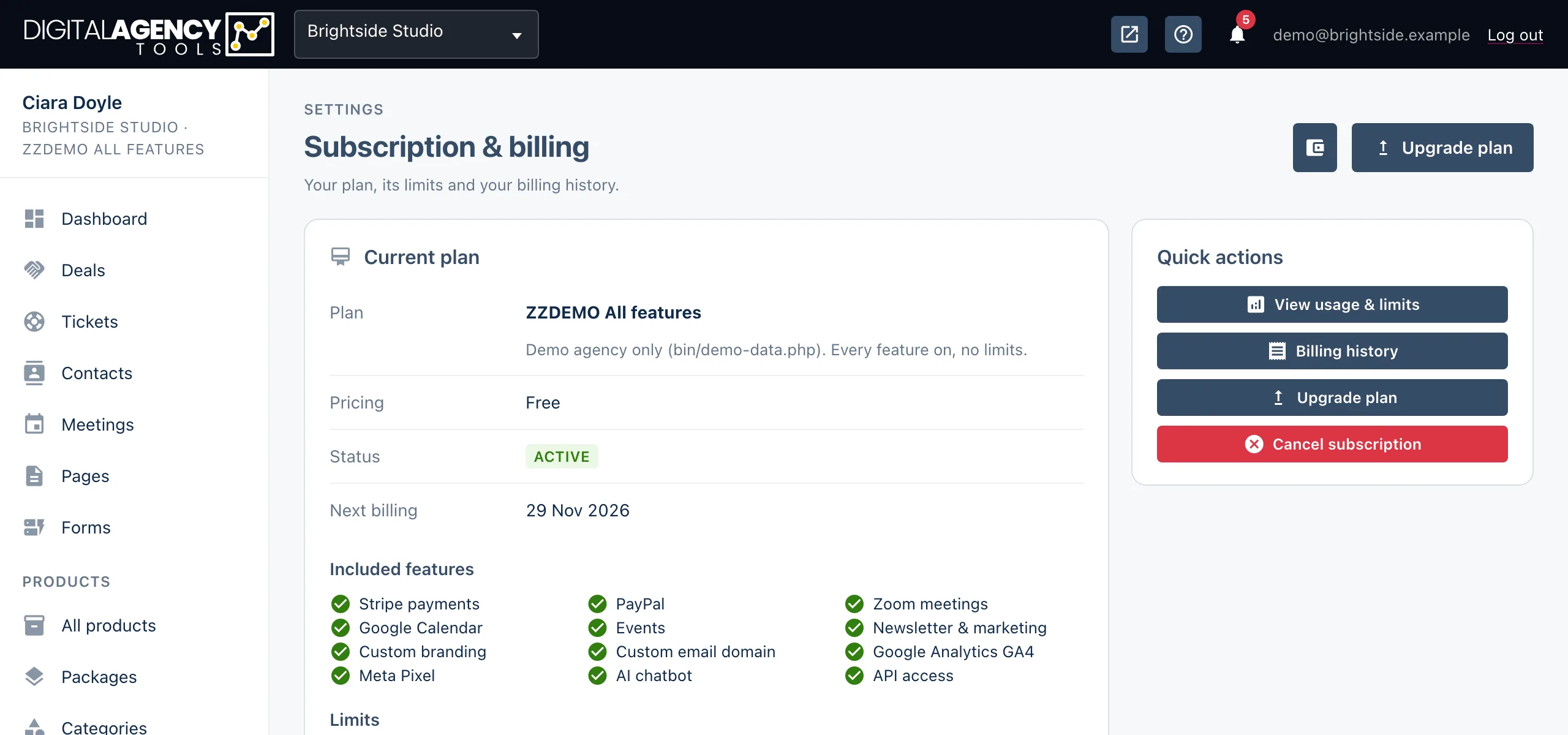
- Go to
/settings/subscription. - In Quick actions, click Cancel subscription. Stripe's billing portal opens. (Clicking Billing in the sidebar gets you to the same place.)
- Choose to cancel your plan in the portal and confirm.
- Return to the panel. The cancellation shows under Recent changes.
What happens next
Until the end of your current billing period, nothing changes. When it ends, Stripe closes the subscription and the business moves to the Free plan.
From then on, features your plan paid for switch off. Their sidebar rows show an Upgrade chip, or disappear, and their pages send you to the upgrade page.
Cancelling during the 7-day trial means you are not charged at all.
Timeline
cancel        → paid features stay on
period ends   → Free plan
              → data kept
Your data
Cancelling does not delete anything. Your contacts, projects, bookings, invoices and settings are all kept, and you can still sign in. You are limited to what the Free plan allows.
Some connections depend on paid features. If your plan included them, check these after the period ends:
- The REST API refuses calls without API access, so anything using your API keys stops.
- Invoices, coupons and VAT settings need Stripe payments.
- The Email domain page needs Custom email domain.
Still stuck?
Can't find what you're looking for? Send us a message and we'll reply by email.